
Overview
The Orders section allows students to view and manage their course and class purchase records on the learning platform. It provides details about transactions, payment status, order history, and the current status of purchased learning resources.
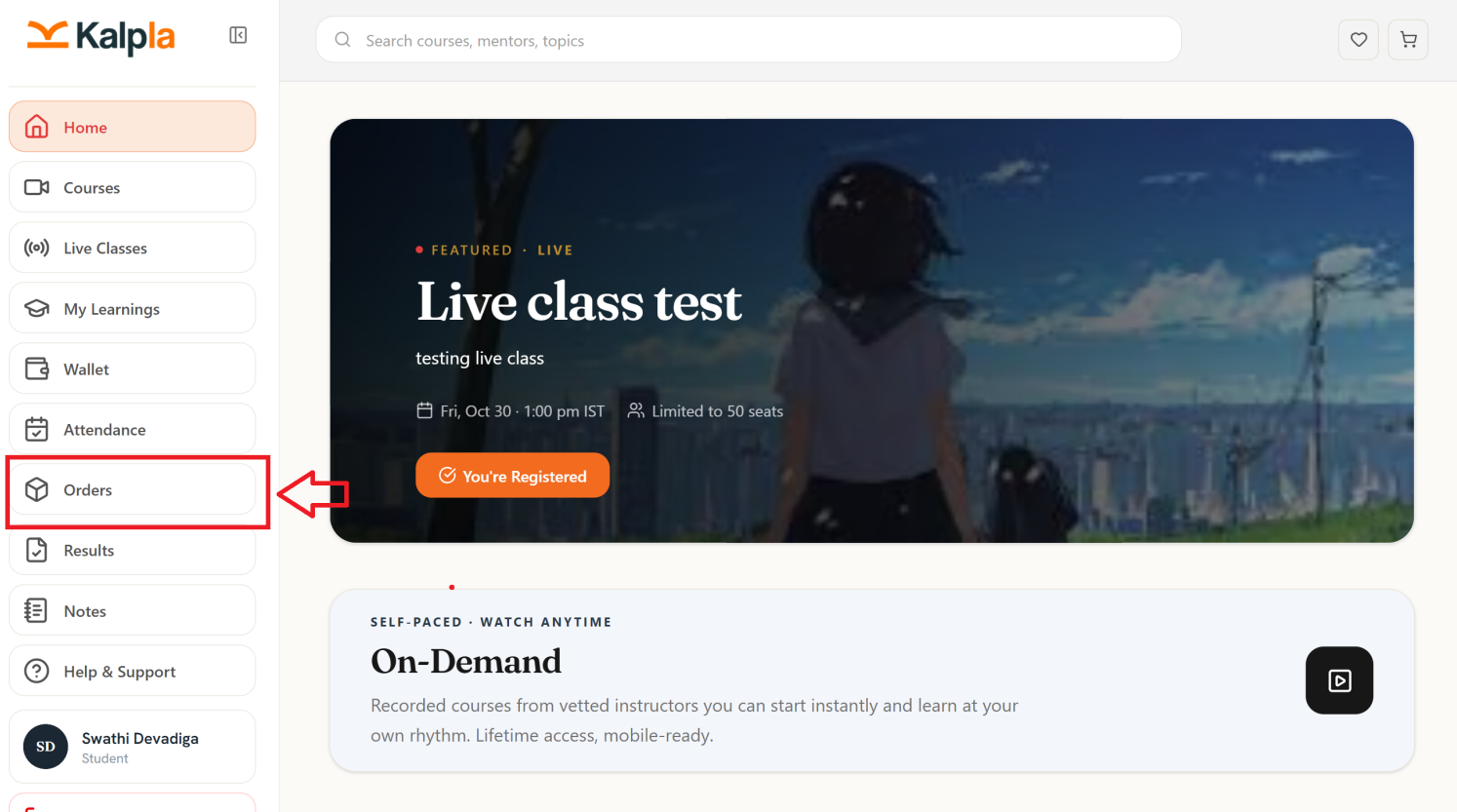
Key Features
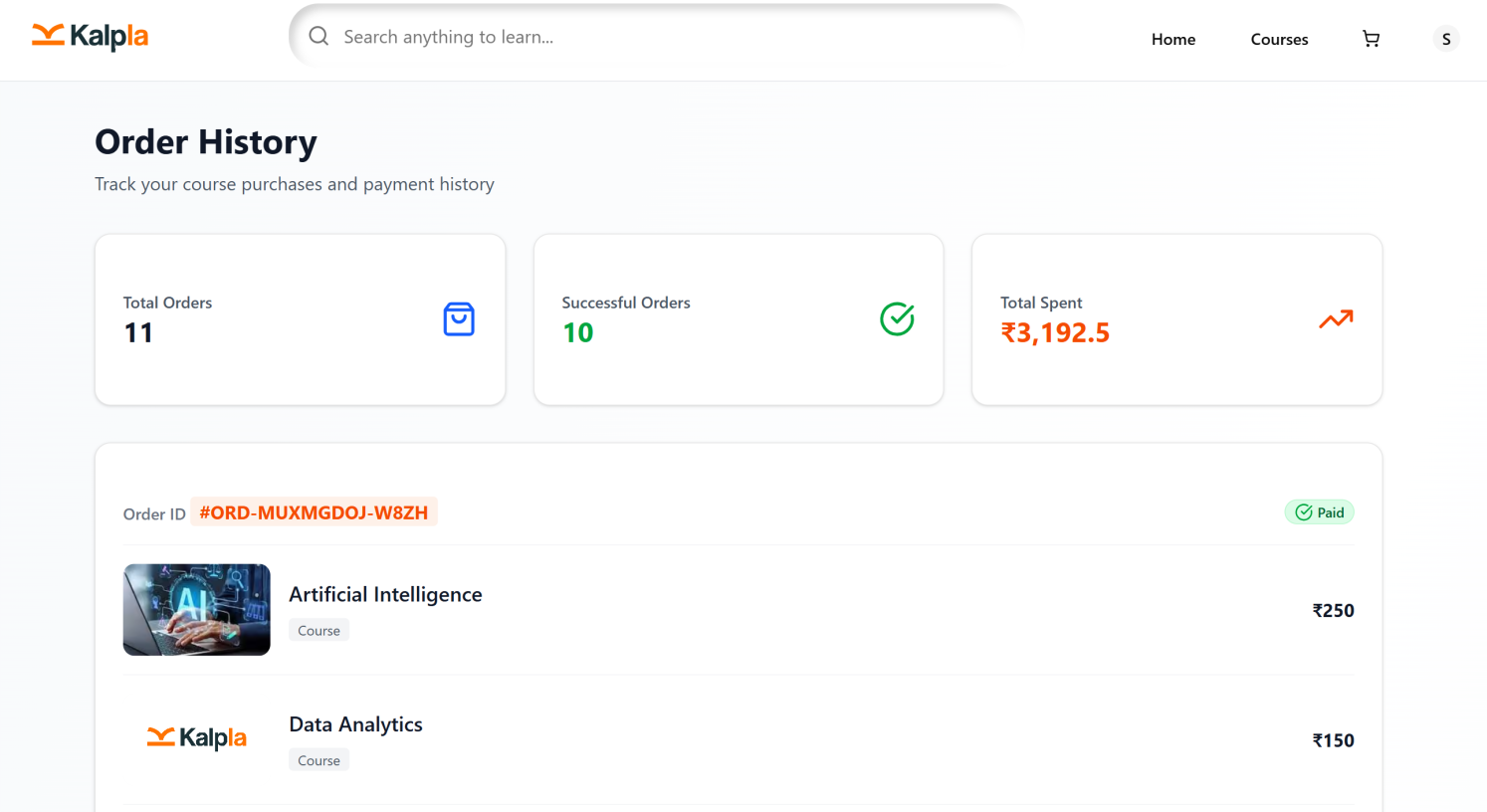
View Order History: Displays a list of orders placed by the student for courses and other learning services.
Order Details: Provides information such as the order ID, item name, purchase date, and order amount.
Payment Status: Helps students identify whether an order is paid, pending, or has another payment status supported by the platform.
Paid Orders: Displays successfully completed purchases and their associated details.
Expired Orders: Shows orders marked as expired, where applicable, allowing students to review their status.
Order Tracking: Enables students to review their previous transactions and check the status of their purchases.
Conclusion
The Orders section helps students maintain a clear record of their purchases, track payment details, and review the status of their course and class orders in one place.