
Overview
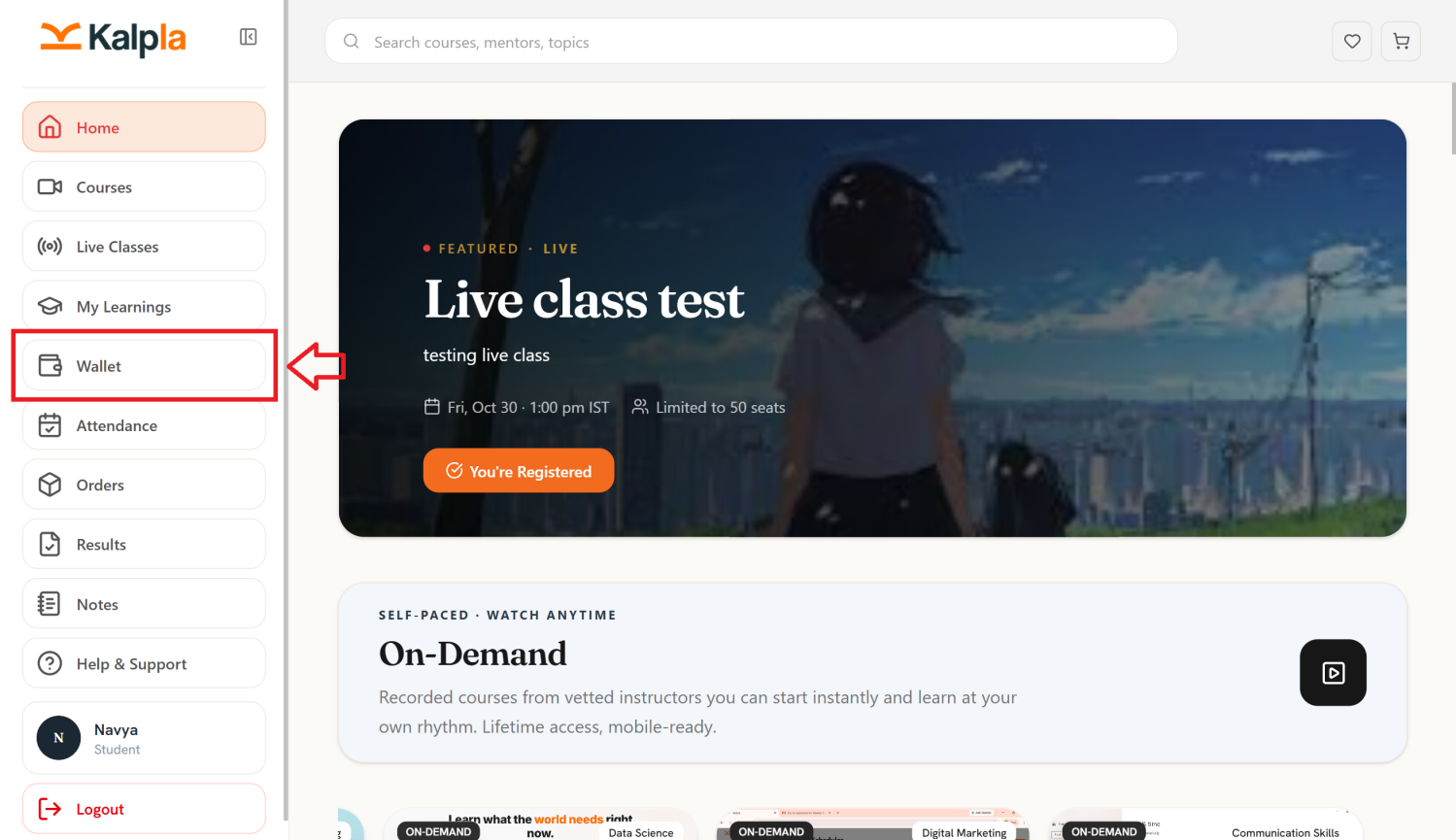
The Wallet section allows students to view and manage their wallet balance within the Kalpla platform. Students can review available wallet funds, track wallet transactions, and check credits received through refunds or other supported wallet activities.
Wallet Page Features
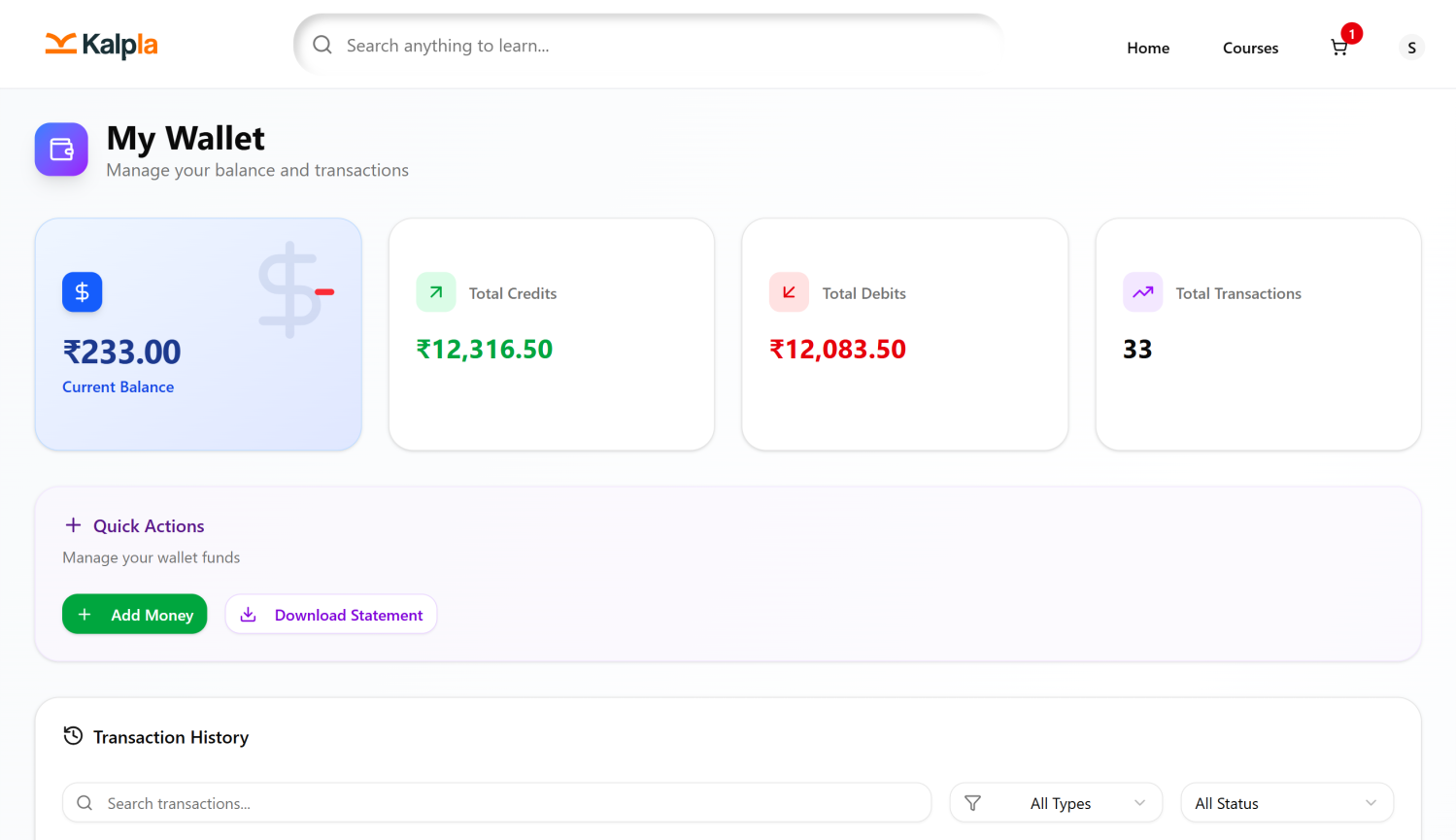
Wallet Balance
Displays the current balance available in the student's wallet. Students can review the amount available for eligible transactions on the platform.
Transaction History
Displays the records of wallet-related activities, allowing students to review credits, debits, and other supported transactions.
Wallet Credits
Wallet credits represent amounts added to the student's wallet. These may include eligible course or live class refunds and other supported credit transactions.
Wallet Debits
Wallet debits represent amounts deducted from the wallet when it is used for eligible purchases or other supported transactions.
Refund Credits
When an eligible refund is processed to the Kalpla wallet, the refunded amount is credited to the student's wallet balance. Students can review the corresponding transaction in their wallet history.