
Camera Setup and Angles
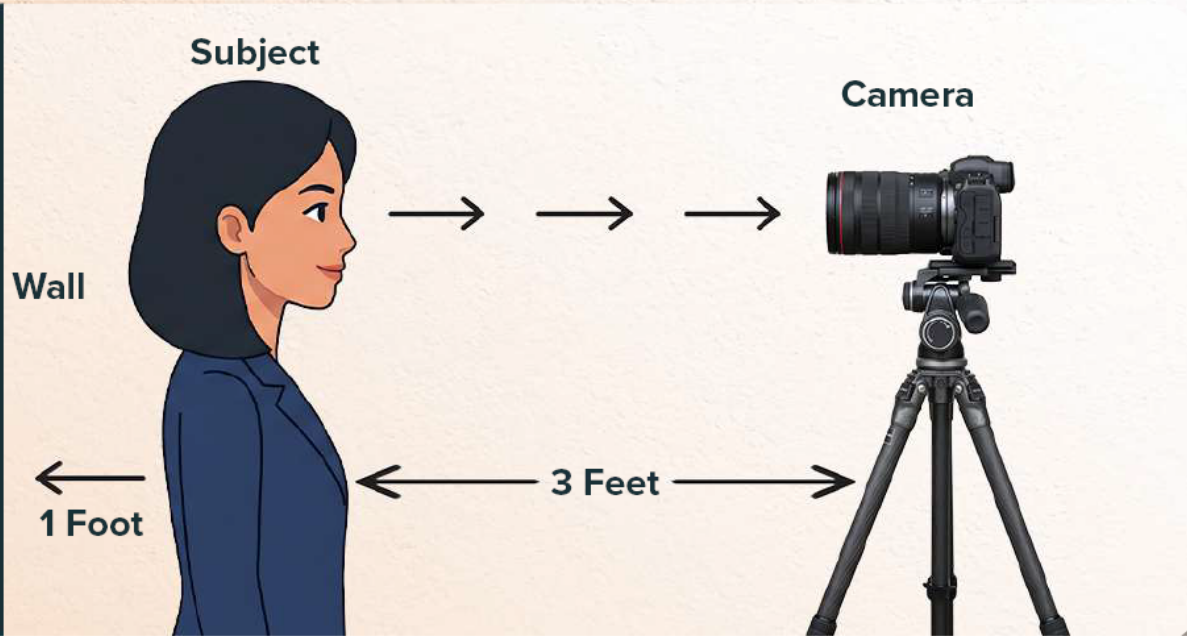
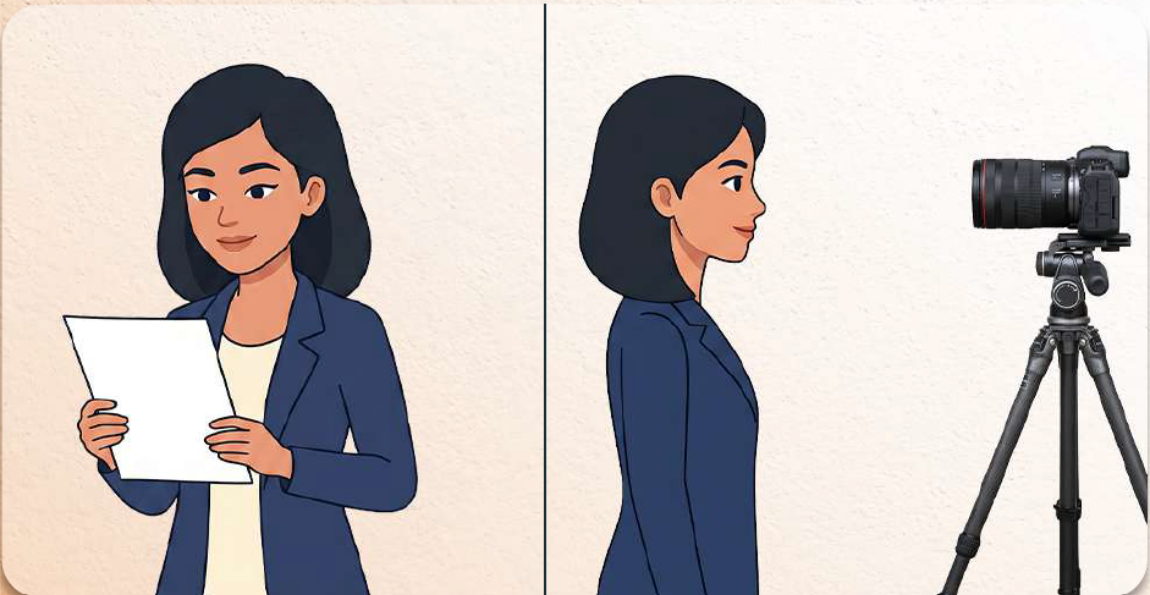
The camera should be positioned at eye level to create a natural and professional connection with learners.
Recommended Setup
- Keep the camera straight and at eye level.
- Avoid placing the camera too high or too low.
- Maintain a confident posture while recording.
- Keep approximately 1 foot of distance from the wall.
- Maintain approximately 3 feet of distance from the camera.
- Use a plain and clean background wall.
- Use an eye-level camera angle.
Video Ratio and Framing
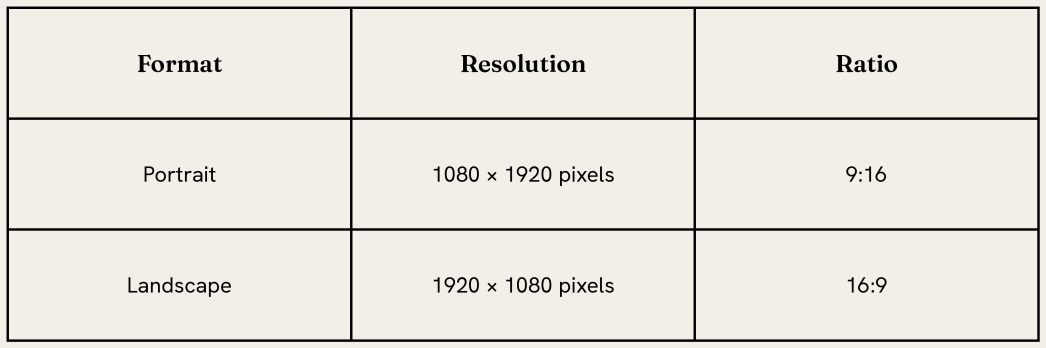
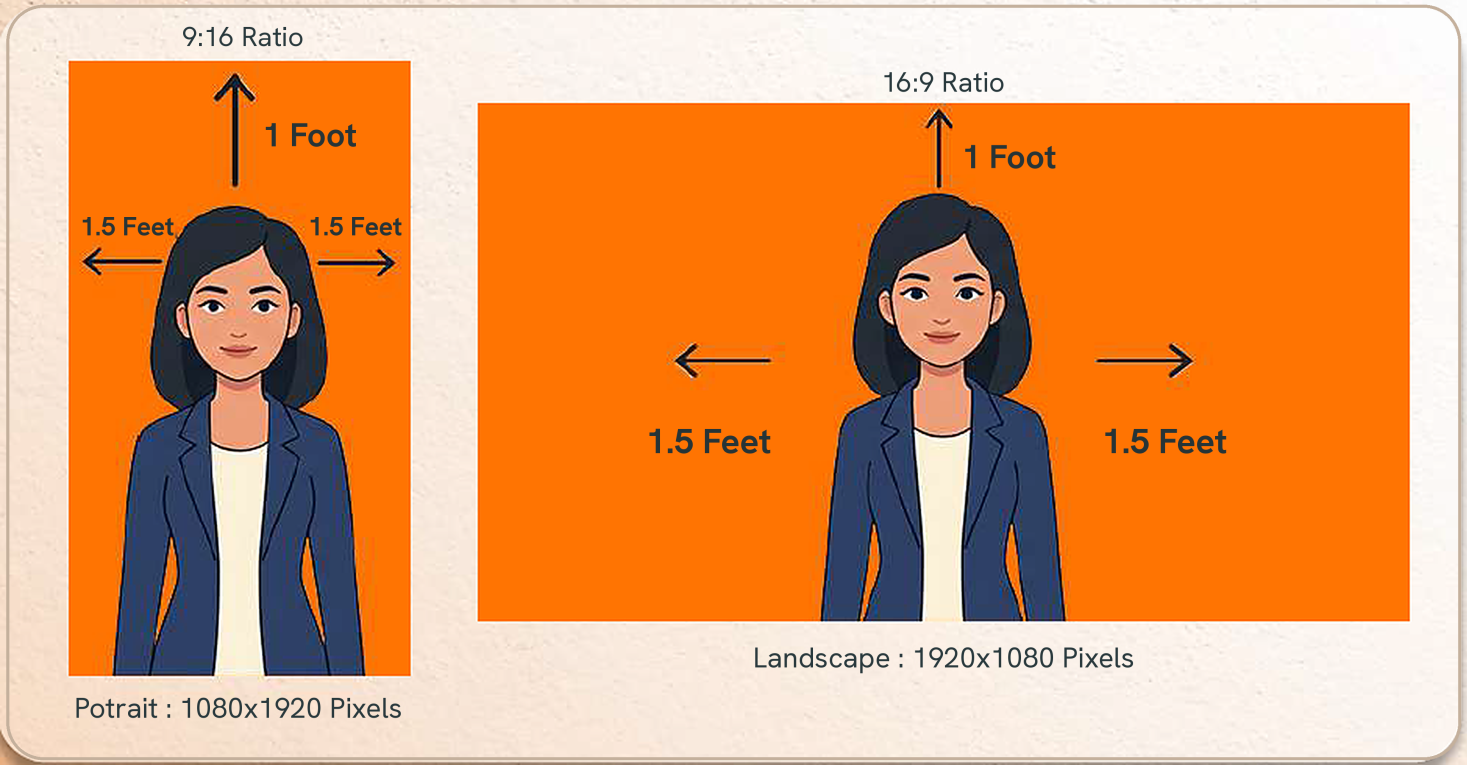
Kalpla supports both portrait and landscape video formats.
Framing Guidelines
- Leave at least 1.5 feet of space on both the left and right sides.
- Position yourself at the center of the frame.
- Keep your shoulders and upper body clearly visible.
- Maintain consistent framing throughout the recording.
- Avoid placing your face too close to the camera.
Lighting Setup
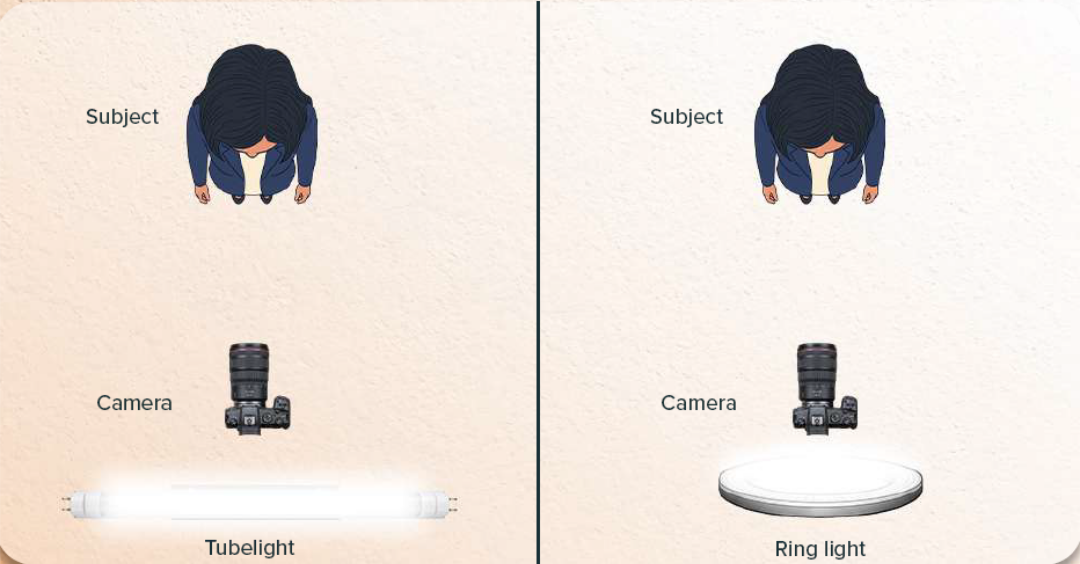
Good lighting helps ensure that the instructor's face is clearly visible and the video looks professional.
Lighting Guidelines
- Use bright and balanced lighting to avoid shadows.
- Face the light source while recording.
- Avoid backlighting.
- Use a ring light or soft white light where possible.
- Make sure your face is clearly visible.
- Natural daylight can also be used.
- For indoor recording, warm white lighting can be used.
Subject Placement
The instructor should be positioned properly within the camera frame.
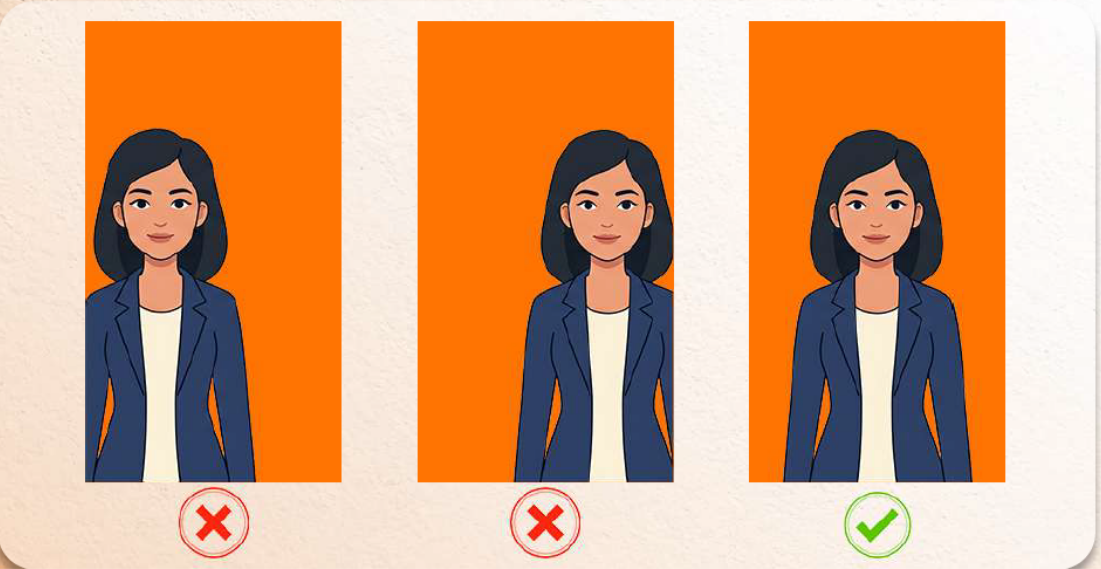
Guidelines
- Sit or stand in the center of the frame.
- Maintain a straight posture.
- Avoid excessive movement.
- Keep body language calm and professional.
Tripod Usage
Always use a tripod to keep the camera stable and prevent shaky video.
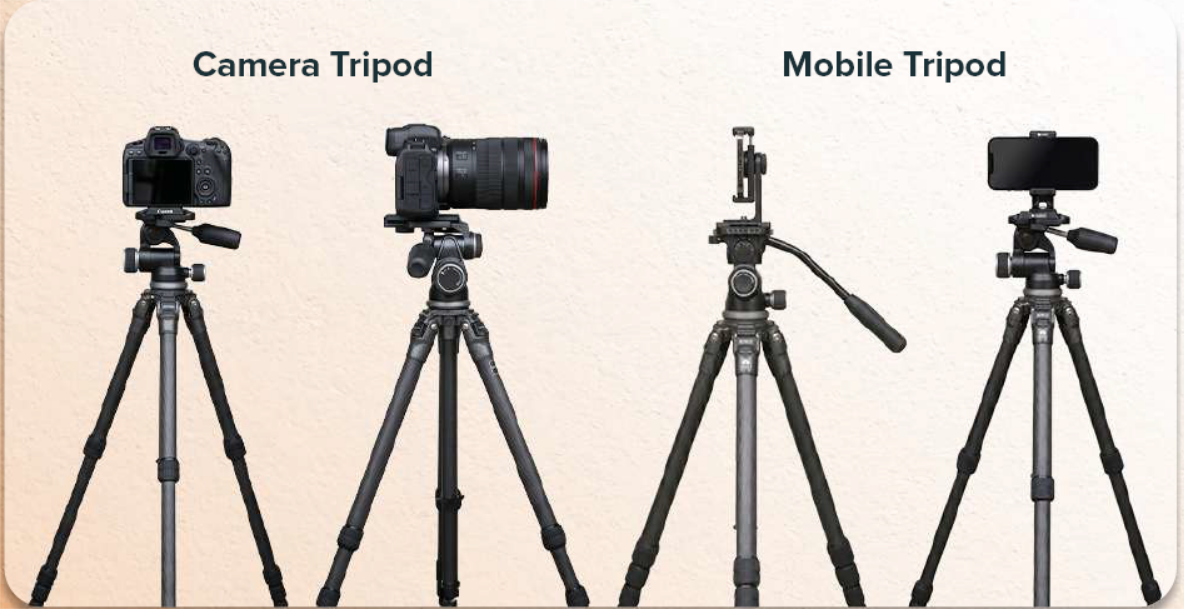
Guidelines
- Fix the phone or camera securely to the tripod.
- Avoid handheld recording.
- Use an adjustable tripod to achieve the correct camera height.
- Ensure the tripod is stable before starting the recording.
Speaking Manner
Instructors should communicate clearly and confidently so learners can easily understand the content.
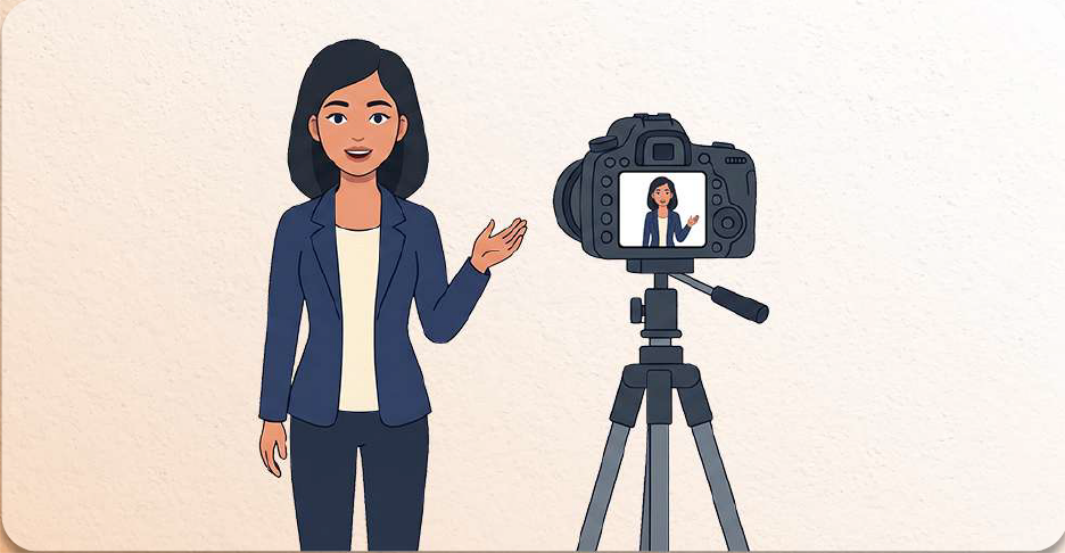
Recommended Speaking Style
- Speak slowly and clearly.
- Maintain positive energy.
- Smile naturally.
- Use simple language.
- Maintain eye contact with the camera.
- Pause naturally between important points.
Avoid
- Speaking too fast.
- Looking away from the camera frequently.
- Using a monotone delivery.
Dress Code
Instructors should wear clothing that looks neat and is suitable for camera recording.
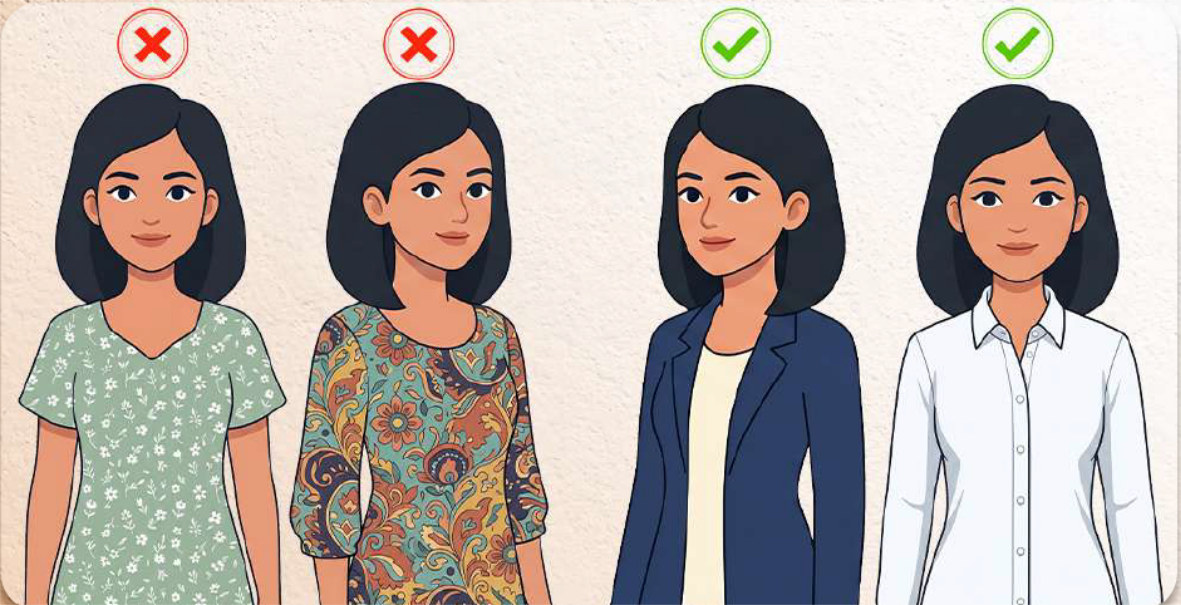
Recommended
- Solid colors.
- Formal or smart-casual clothing.
- Minimal patterns.
Avoid
- Bright neon colors.
- Heavy patterns.
- Distracting accessories.
Audio and Microphone
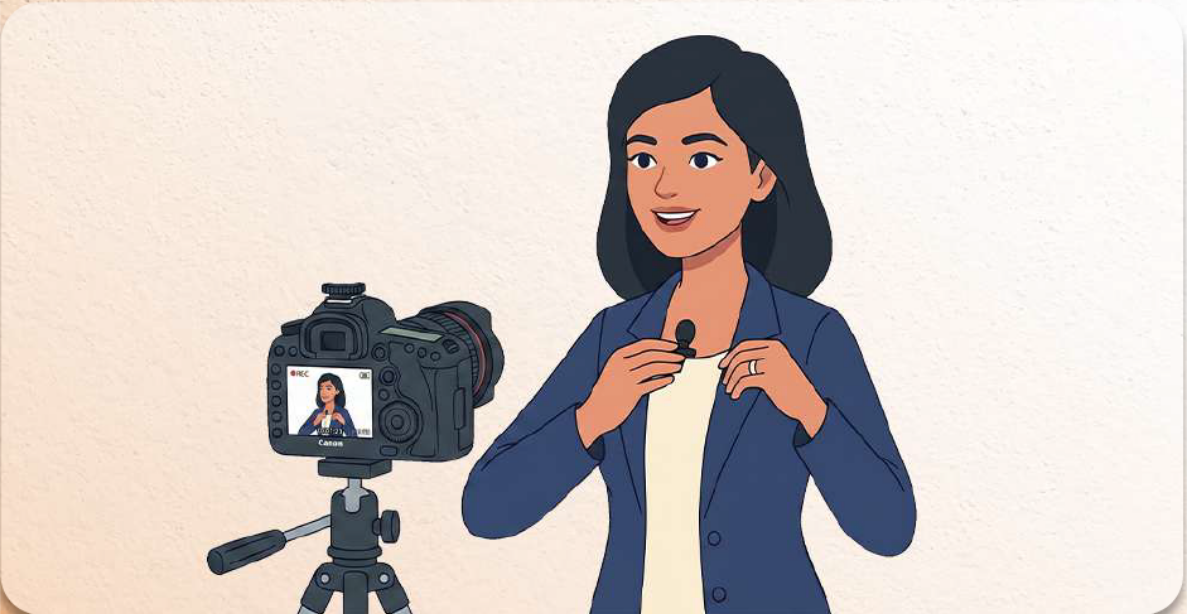
Clear audio is important for providing a good learning experience.
Audio Guidelines
- Use a BOYA microphone if available.
- Test the audio before starting the recording.
- Record in a quiet environment.
- Clip the microphone near the collar.
- Avoid background noise such as fans and traffic.
Recommended Recording Equipment
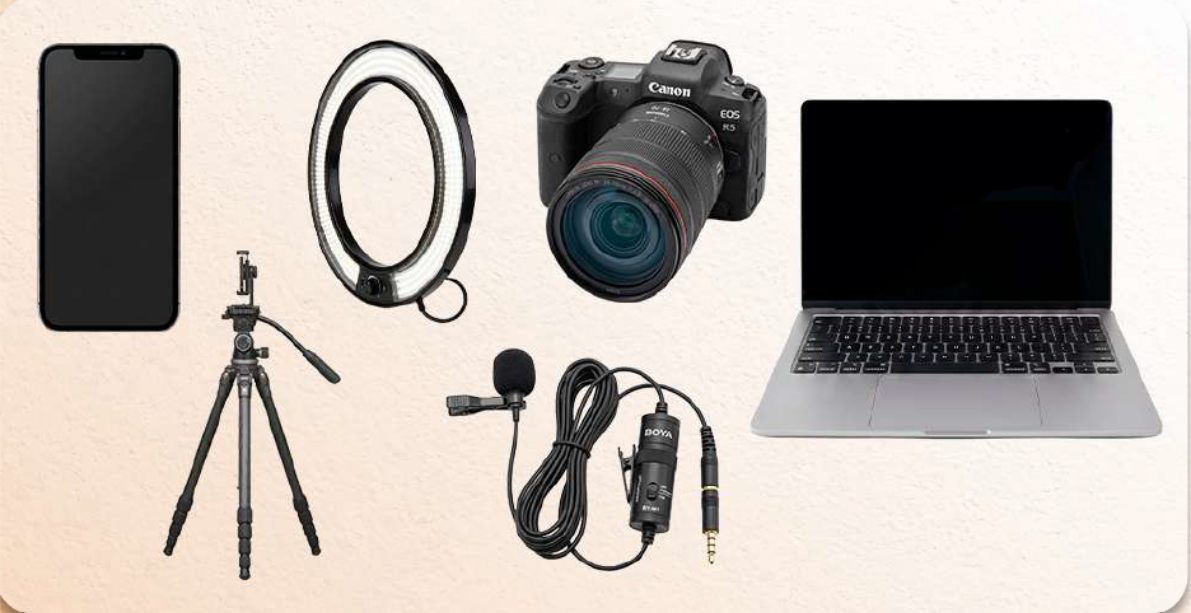
- Smartphone with an HD camera
- DSLR camera
- Ring light
- Tripod
- BOYA microphone
- Laptop for monitoring
Recommended Quality
Minimum: 1080p HD
Recommended: 2K
Recommended Software
- OBS Studio – For screen recording
- Audacity – For audio recording
Memory and Script Preparation
Proper preparation helps instructors deliver lessons smoothly and confidently.
Before Recording
- Prepare the key points before starting.
- Read and rehearse the script.
- Keep notes nearby.
- Practice pronunciation.
- Maintain a natural flow while speaking.
- Use short and clear sentences.
- Pause naturally between important points.
- Maintain confidence throughout the recording.
Important Notes
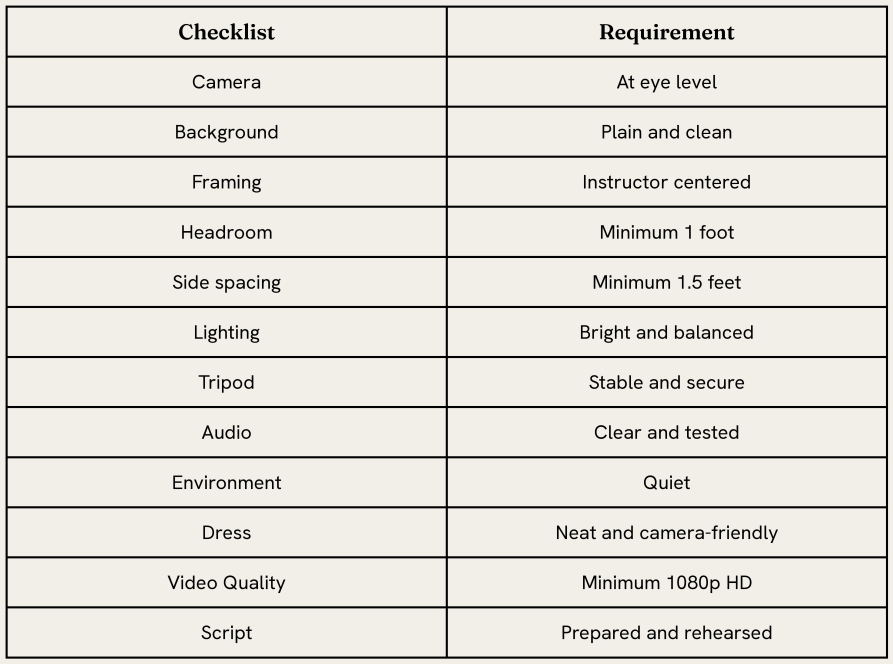
Following these guidelines helps maintain consistent video quality across Kalpla learning content.
Before recording, instructors should check the camera position, framing, lighting, audio, background, appearance, and script preparation. The guidelines specifically recommend eye-level camera placement, stable tripod use, clear speaking, suitable lighting, and tested audio.
Instructors should also prepare their key points and rehearse the script before recording to maintain a clear and confident delivery.