
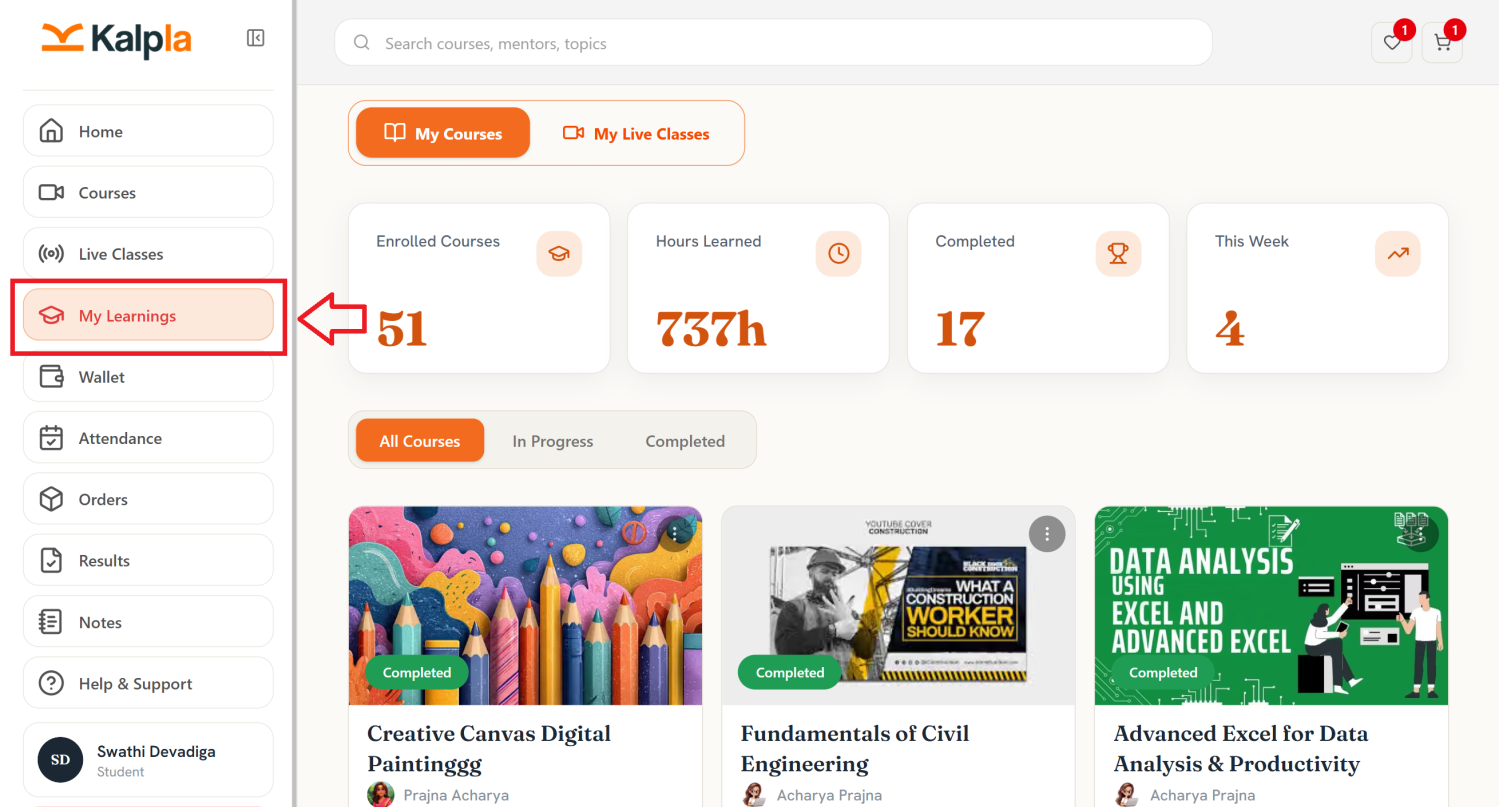
The My Learnings section allows students to access and manage all their enrolled courses and track their learning progress in one place.
Students can use this section to continue courses, view completed lessons, monitor progress, and access learning materials.
In Progress
Displays courses that the student has started but has not yet completed.
Select Continue Learning to resume the course from where you left off.
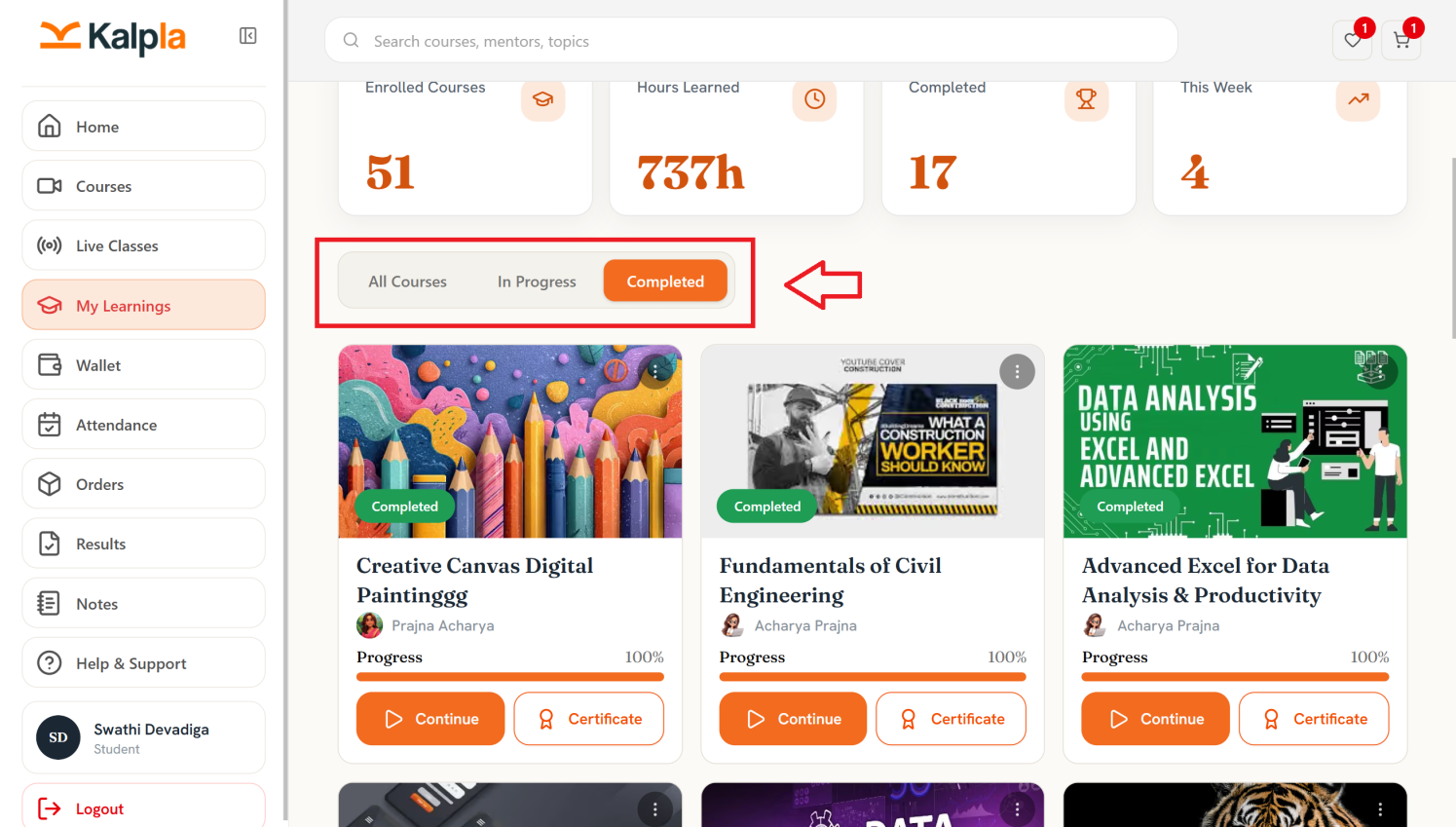
Completed
Displays courses that the student has successfully completed.
Students can view the course details and access their certificate, if available.
Session View Options
The dashboard provides three ways to view and manage session information.
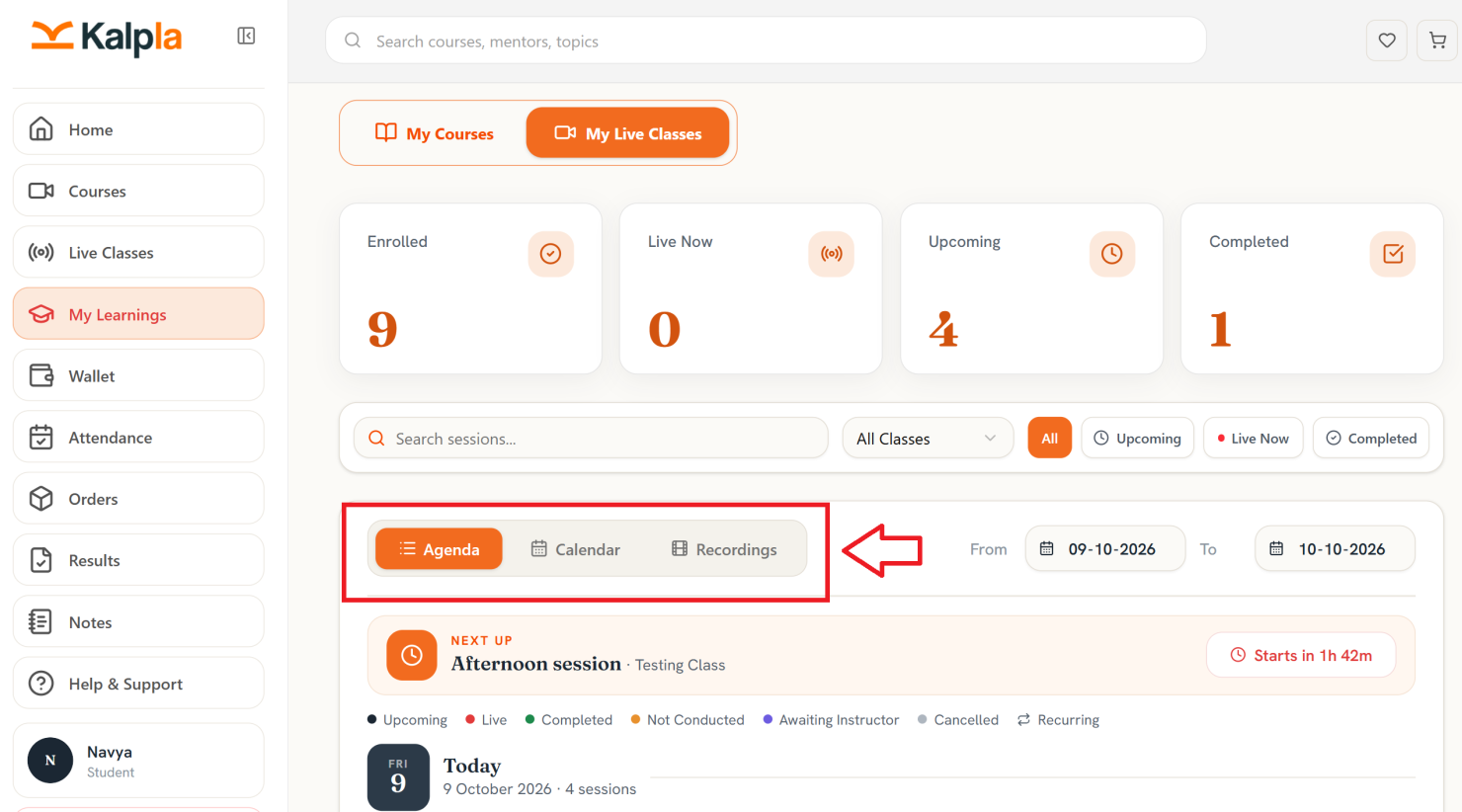
Agenda
The Agenda tab displays sessions in a schedule-based list. Students can review the sessions planned for a particular day, identify upcoming classes, and check the next scheduled session.
The page may also display a Next Up section highlighting the next session and the time remaining before it starts.
Calendar
The Calendar tab provides a calendar-based view of scheduled live classes. Students can use this view to review class dates and plan their learning schedule.
Recordings
The Recordings tab provides access to available recordings of live sessions, allowing students to revisit session content when recordings are available.
Date Range Selection
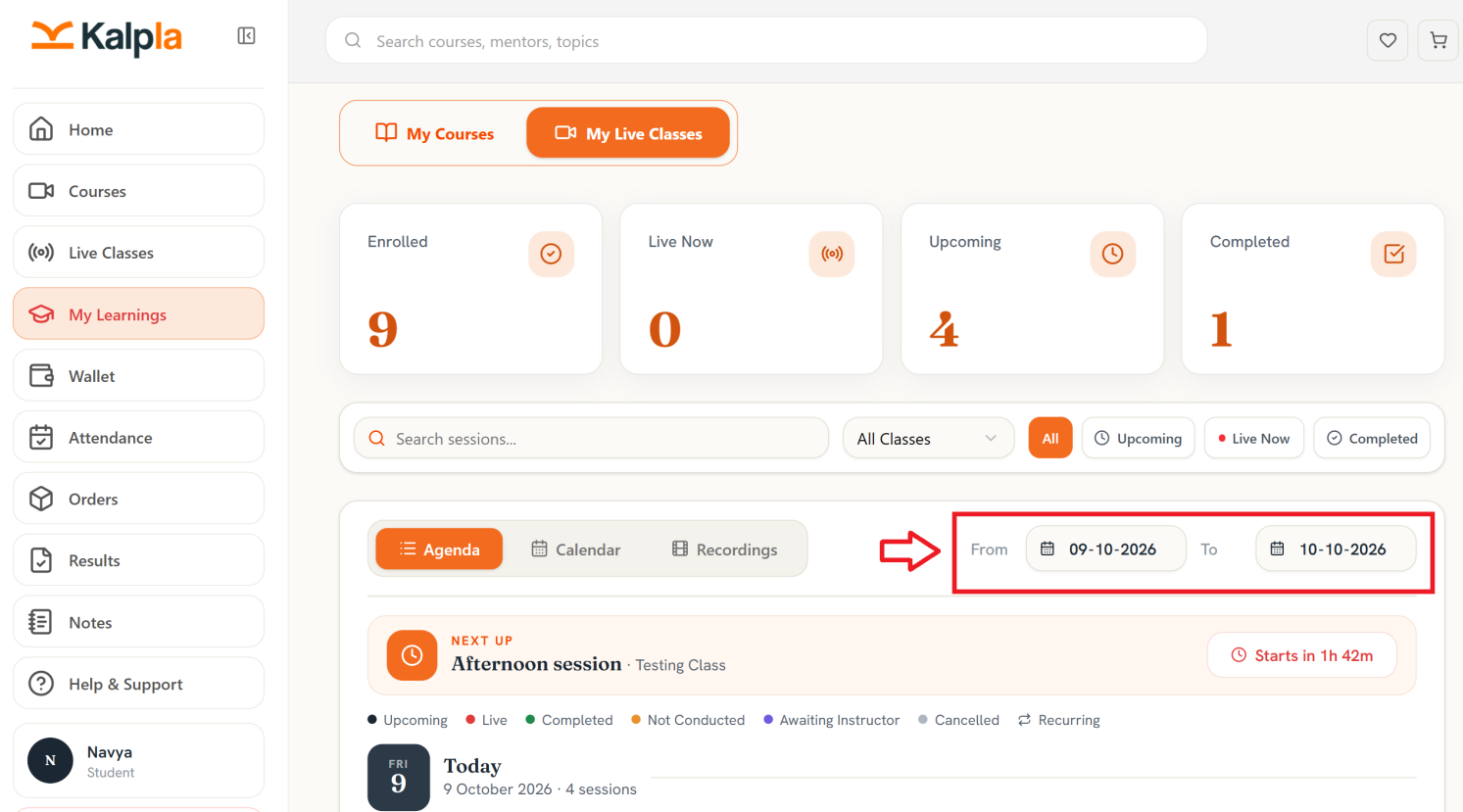
The From and To date fields allow students to select a specific date range for reviewing live class sessions.
To view sessions for a particular period:
- Select the start date in the From field.
- Select the end date in the To field.
- Review the sessions displayed for the selected period.